Excel, CSV, and JSON
The bank statement converter creates a spreadsheet for analysis, a CSV for accounting imports, or structured JSON for your own workflow.
Use this bank statement PDF converter to turn one file or a batch of up to 100 PDFs and images into Excel, CSV, or JSON. Preview transactions, check balances, and download separate or merged results.
Drag and drop a PDF, photo, or scan. Your result stays in this page for review and download.
Click to upload or drag and drop
or click to browse from your device
PDF · JPG · PNG · WEBP · TIFF · up to 50 MB
Your file is sent directly to OpenRouter for extraction. We do not store a copy in this app; provider retention policies may apply.
Everything needed to turn a statement into analysis-ready rows while keeping extraction limits and verification visible.
The bank statement converter creates a spreadsheet for analysis, a CSV for accounting imports, or structured JSON for your own workflow.
When the statement includes running balances, the bank statement converter checks the available arithmetic and reports mismatches instead of hiding them.
Use the bank statement converter preview to review normalized dates, descriptions, debits, credits, balances, and references before downloading the complete export.
The bank statement converter does not save a copy of your statement or extracted result. Files are sent directly to OpenRouter, whose provider retention policies apply.
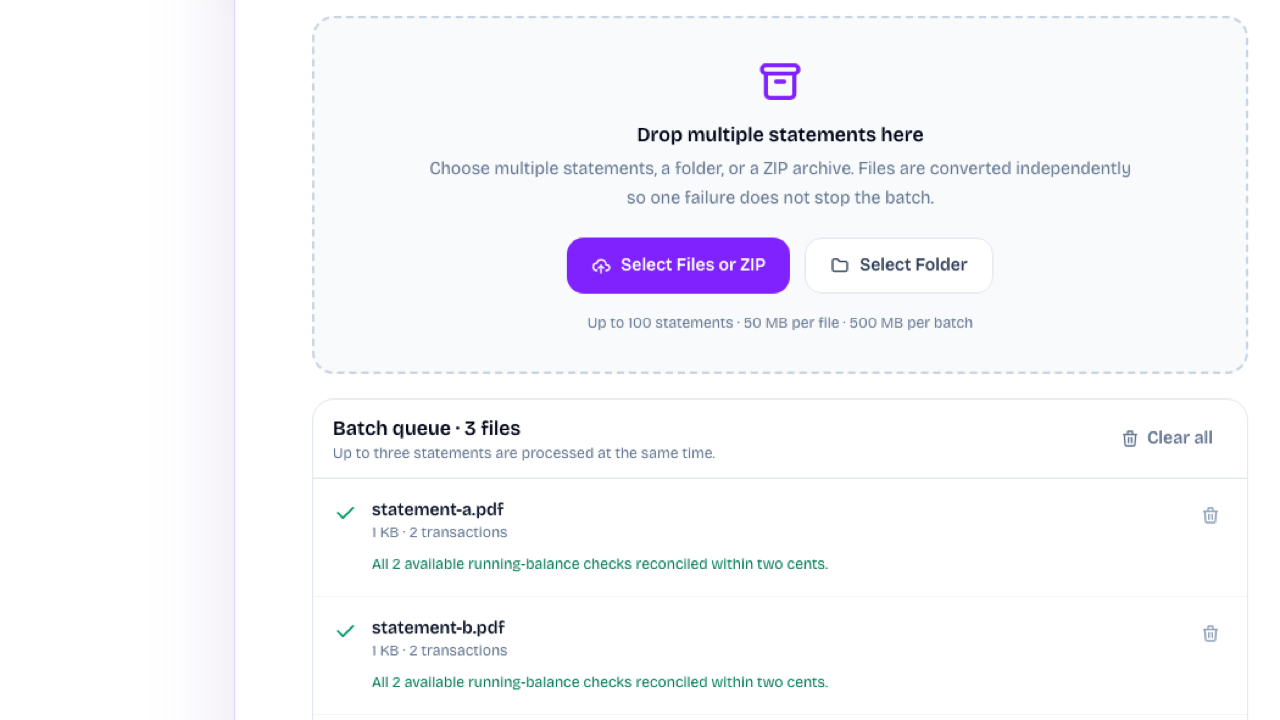
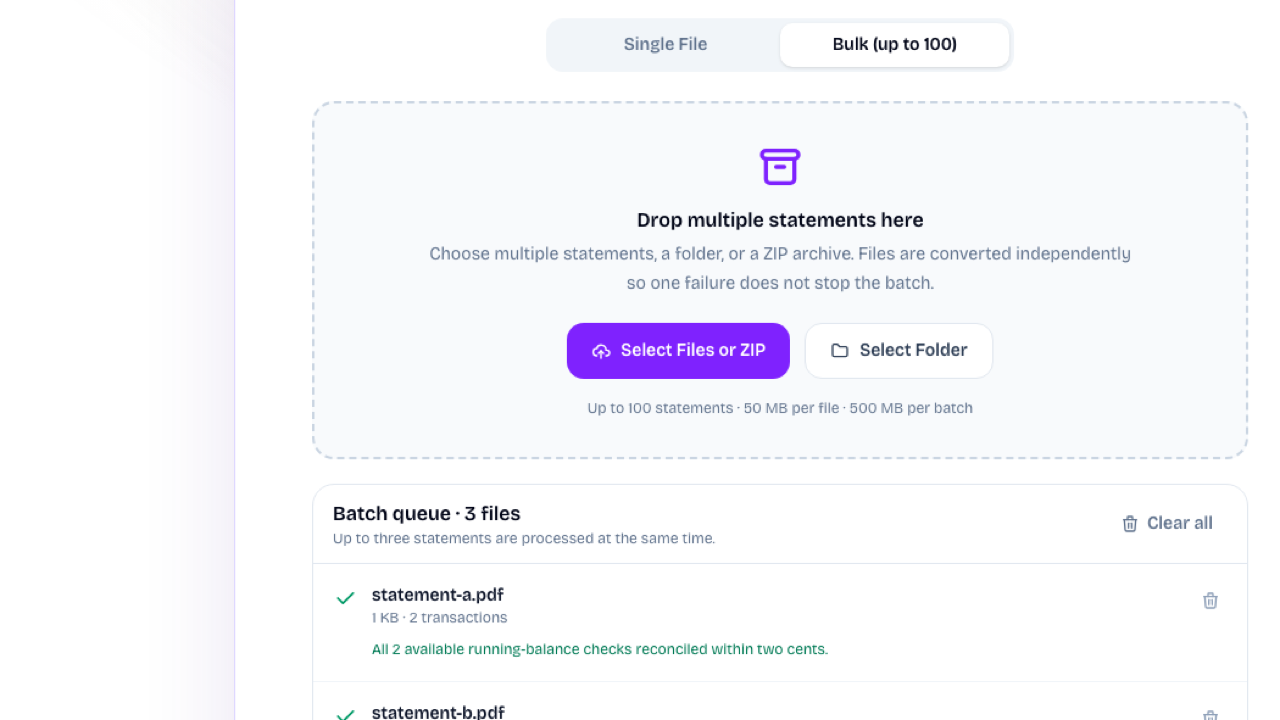
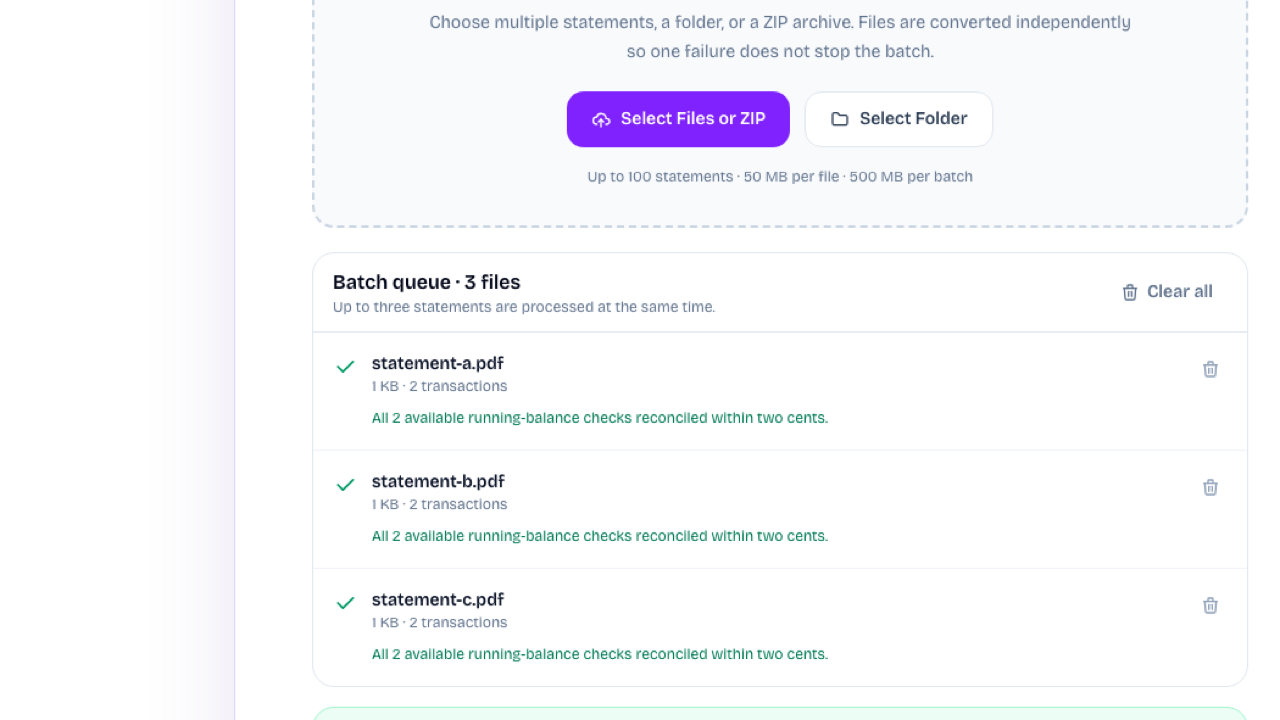
The bank statement converter shows each converted file, its transaction count, and available running-balance checks before you combine or download the results.
Review a Statement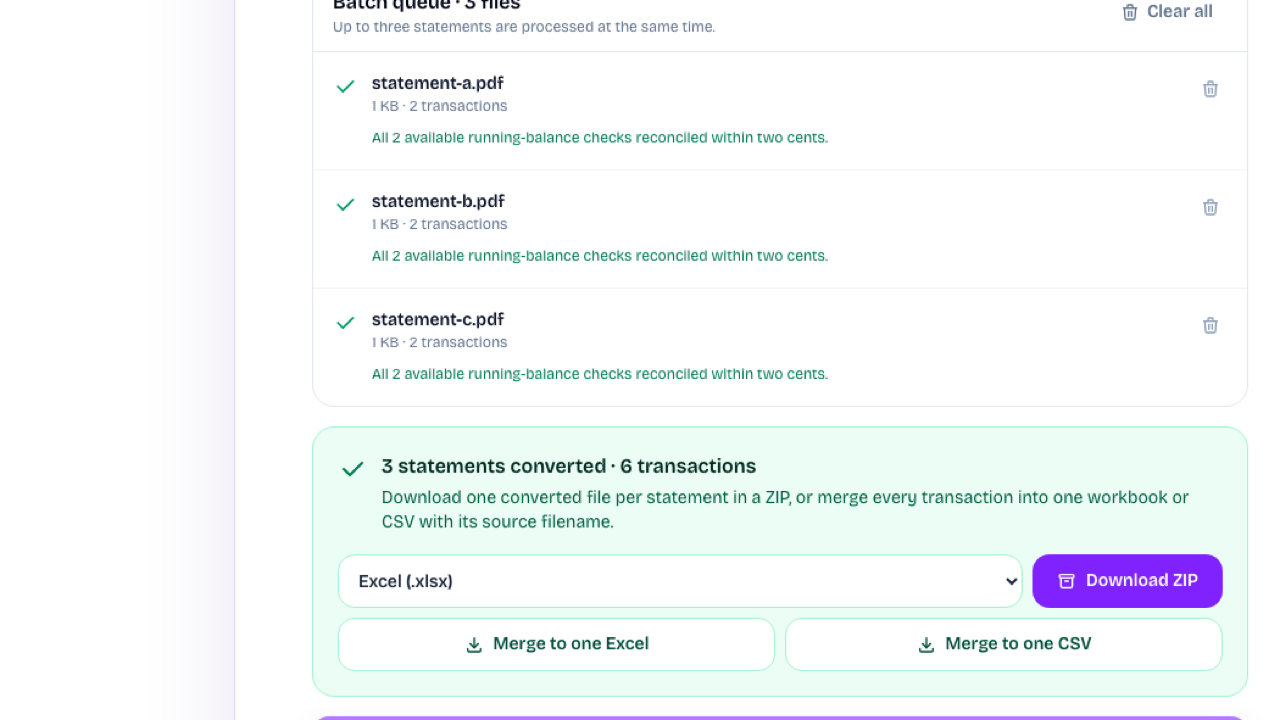
Use the bank statement converter to save separate Excel, CSV, or JSON files, download a format-specific ZIP, or merge successful statements into one Excel or CSV export.
Choose an Export FormatIn the bank statement converter, choose one statement or switch to Bulk for up to 100 files, a folder, or a ZIP. Each statement can be up to 50 MB.
The bank statement converter extracts account details and transactions, then checks available running-balance arithmetic.
Review verification messages in the bank statement converter, then save individual files, a ZIP, or one merged Excel or CSV.
The bank statement converter accepts one supported PDF or image, or up to 100 statements, a folder, or a ZIP in Bulk mode. Review the extraction and download CSV, Excel, or JSON.
The bank statement converter accepts PDF, JPG, PNG, WebP, and TIFF files up to 50 MB each. For a password-protected PDF, enter its password before converting; it is opened in your browser and the password is never sent or stored.
It is free to use in this version and does not use product credits or require a paid plan.
The bank statement converter uses document extraction to read many layouts instead of relying on one bank-specific template. Always review the preview because unusual layouts and low-quality scans can still produce mistakes.
When running balances are present, the server checks the available debit-and-credit arithmetic. A verified result means those checks reconciled within two cents; it is not an audit or a guarantee that every row was read correctly.
Yes. Image statements and image-only PDFs can be processed, but scan quality affects extraction. Check every row against the original document before importing the result.
The app does not persist your uploaded statement or result. The document is sent directly to OpenRouter for extraction, and OpenRouter's published provider retention policies apply.
Use Excel for formulas and pivot tables, CSV for broad accounting-software compatibility, and JSON for application or developer workflows.
Yes. The bank statement converter accepts up to 100 statements from individual files, a folder, or a ZIP. Each statement has its own status and retry action. Successful results can be downloaded as a ZIP or merged into one Excel or CSV with source filenames.
Yes, provided each file stays within the 50 MB limit. There is no separate page-count limit, but very long or low-quality scans take longer and should be checked carefully against the original.
Open the bank statement converter, add one statement or a batch of up to 100, review the extracted transactions, and download separate or merged results.
Upload a Bank Statement