Analysis-ready Excel files
Use the bank statement to Excel workflow to save transactions as a real XLSX workbook for filtering, formulas, pivot tables, and review.
Convert a bank statement PDF, scan, or image into an editable Excel workbook. Preview transactions, check available balances, and download individual or merged XLSX files without signing in.
Drag and drop a PDF, photo, or scan. Your result stays in this page for review and download.
Click to upload or drag and drop
or click to browse from your device
PDF · JPG · PNG · WEBP · TIFF · up to 50 MB
Your file is sent directly to OpenRouter for extraction. We do not store a copy in this app; provider retention policies may apply.
Move transaction data from PDFs and scans into editable spreadsheets while keeping review and balance checks visible.
Use the bank statement to Excel workflow to save transactions as a real XLSX workbook for filtering, formulas, pivot tables, and review.
The bank statement to Excel preview shows normalized dates, descriptions, debits, credits, and balances before you download the complete workbook.
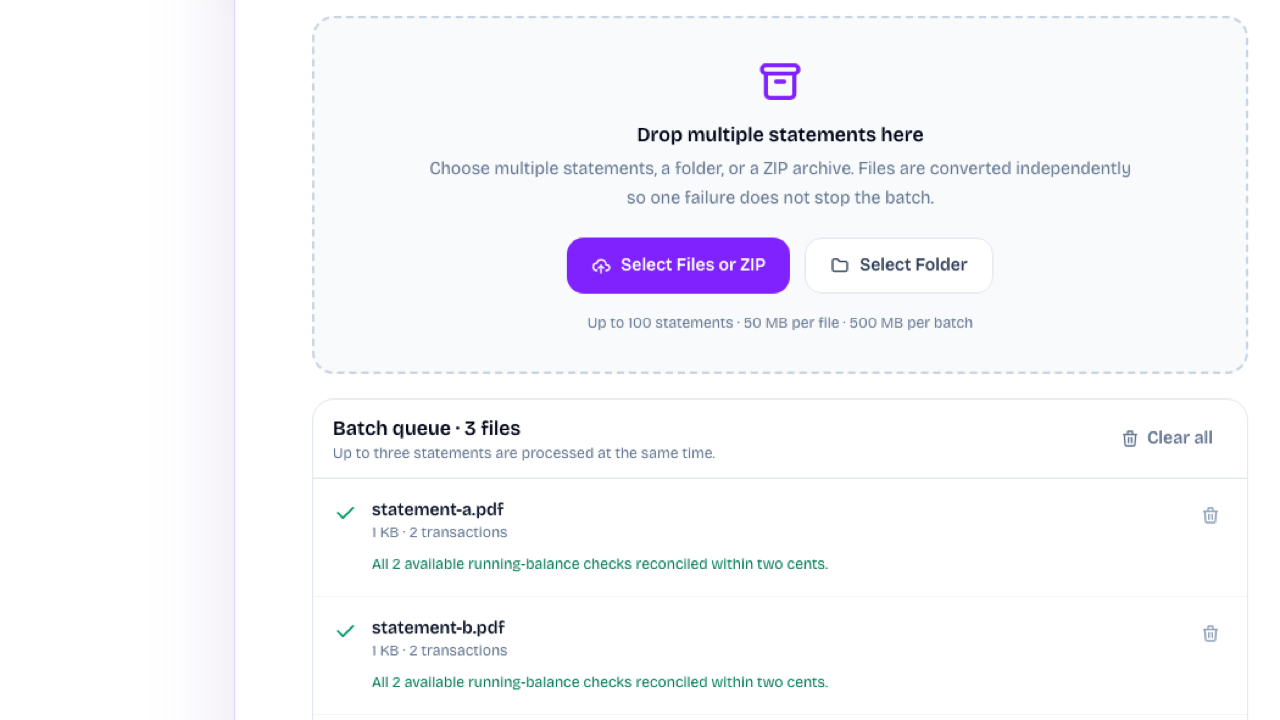
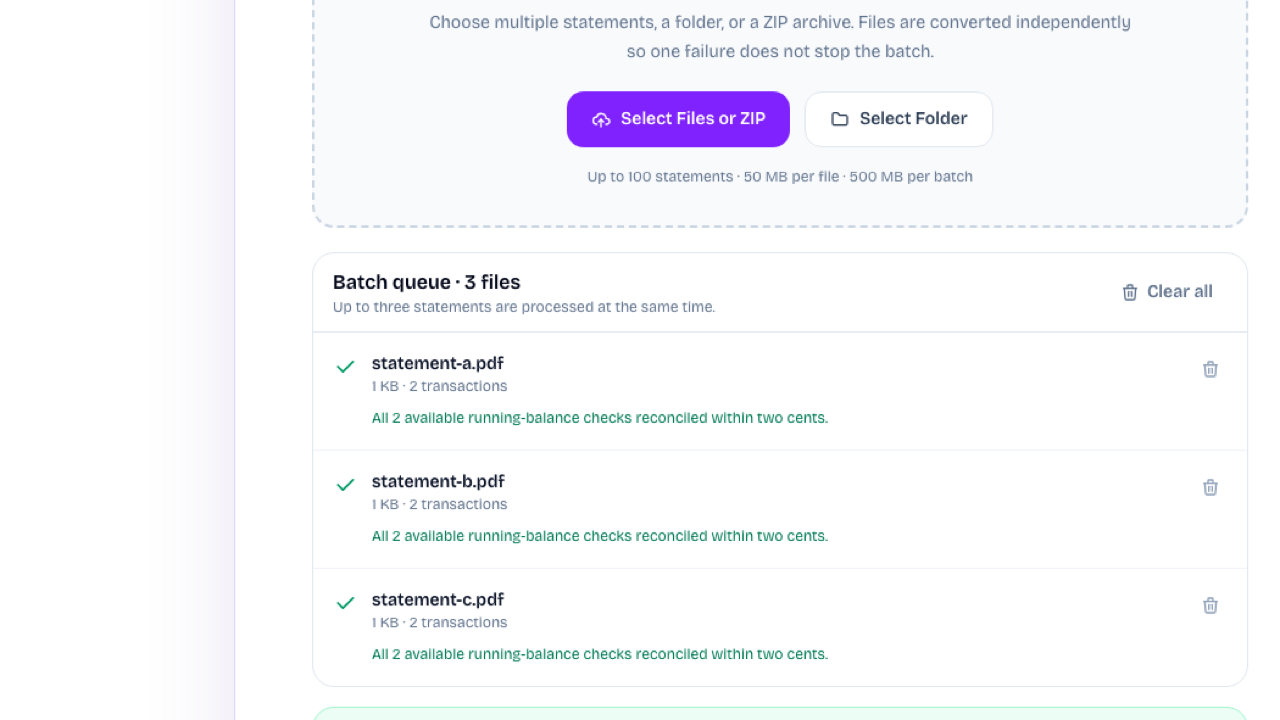
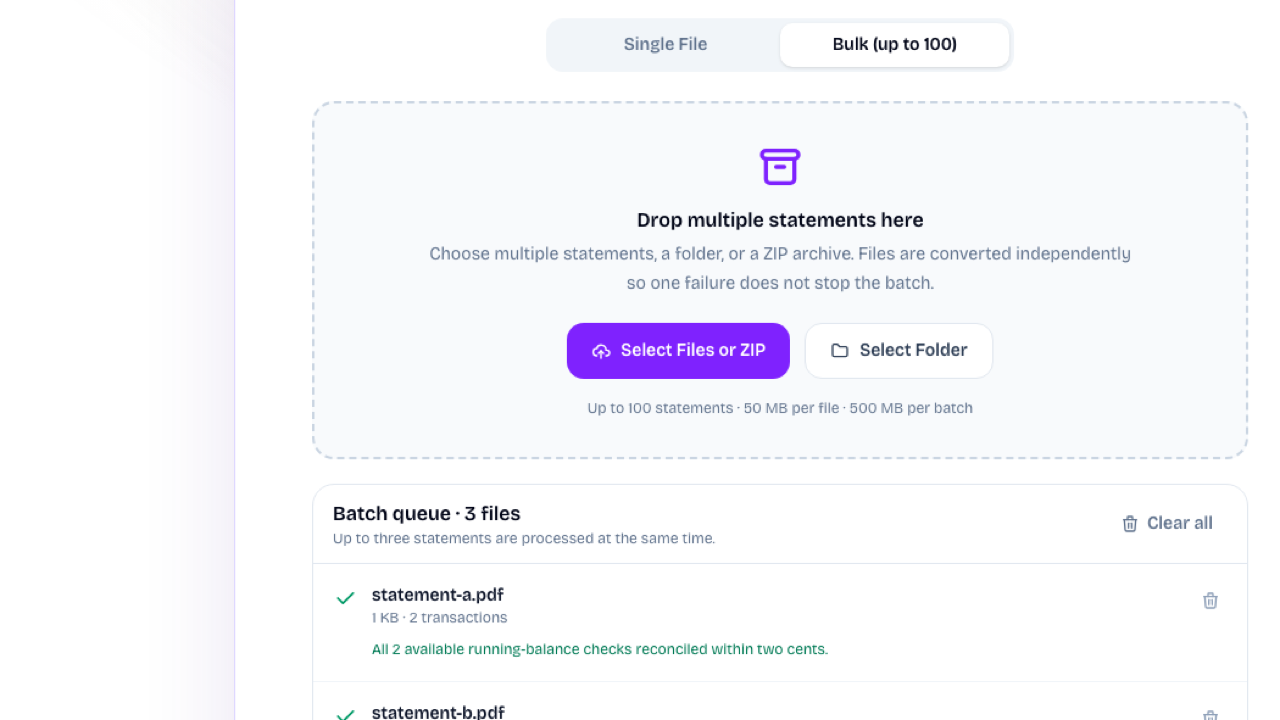
The bank statement to Excel converter handles one statement or up to 100 files, then downloads separate workbooks, a ZIP, or one merged Excel file.
Use the bank statement to Excel converter without signing in or spending product credits. The app does not persist the uploaded statement or result.
The bank statement to Excel converter avoids retyping each transaction. Review structured rows first, then save a real XLSX workbook for formulas, filters, and pivot tables.
Convert PDF to Excel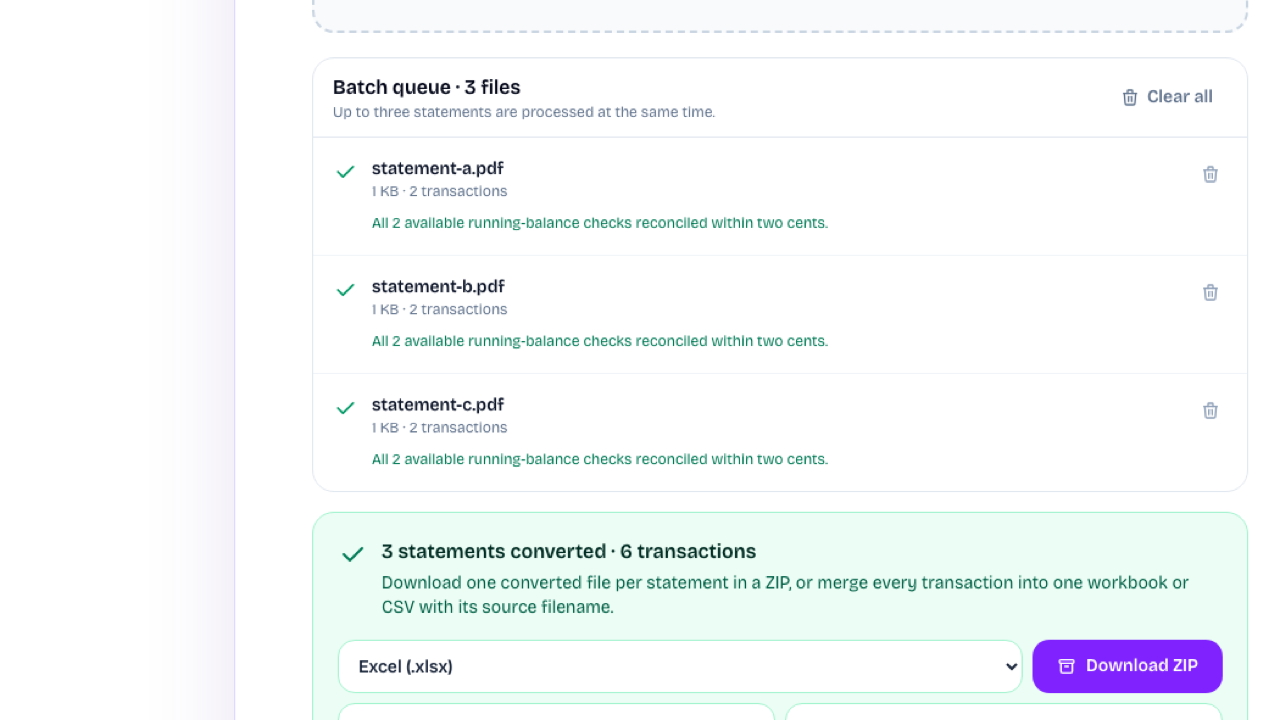
The bank statement to Excel workflow combines successful statements into one file with source filenames, or downloads separate workbooks in a ZIP for client-by-client and month-by-month review.
Merge Statements to ExcelStart the bank statement to Excel workflow with one PDF or image, or switch to Bulk for up to 100 statements from files, a folder, or a ZIP.
The bank statement to Excel converter structures the transaction rows and checks available running-balance arithmetic when the source provides it.
Finish the bank statement to Excel workflow with an individual XLSX workbook, a ZIP of separate workbooks, or one merged file with source filenames.
The bank statement to Excel converter accepts a supported PDF or image. Upload the file, review the extracted rows, and select Excel from the download options.
Yes. The bank statement to Excel converter accepts image-only PDFs plus JPG, PNG, WebP, and TIFF files. Scan quality affects extraction, so review the preview against the original before using the workbook.
The workbook includes available account details and normalized transaction fields such as date, description, debit, credit, balance, and reference. It does not invent values missing from the source.
Yes. Bulk mode accepts up to 100 statements from files, folders, or ZIP archives. Download separate XLSX files in one ZIP or merge successful results into a single workbook with source filenames.
When running balances are present, the converter checks the available debit-and-credit arithmetic within a two-cent tolerance. This check is not an audit and cannot guarantee every row was read correctly.
It is free in this version and does not require an account or product credits. AI extraction can make mistakes, so compare the downloaded workbook with the original statement.

Use the bank statement to Excel converter for one statement or a batch, review the extracted rows, and download individual or merged workbooks.
Convert a Statement to Excel